Meal prep made simple and delivered after placing an order with Meal Prep Sunday.

How Do I Place an Order with Meal Prep Sunday?

01/01/2026 no comments kyle.valdez Categories FAQ

Placing an order with Meal Prep Sunday is simple: start by selecting meals for the week from a rotating, nutritionist-designed menu, enter your delivery details, choose a delivery date, and complete checkout. Meals arrive fresh, pre-portioned, and ready to eat, with free local delivery in select Southern California areas. Customers can save preferences, adjust future orders, or pause subscriptions easily through their account.

How Do I Place an Order with Meal Prep Sunday?

Ordering healthy, chef-crafted meals shouldn’t feel complicated. That’s why Meal Prep Sunday has built a streamlined system that makes it easy to choose your meals, set your delivery, and stay consistent week after week. If you’re wondering how to place an order and what to expect, this guide walks through the process from start to finish.

Step 1: Start the Order Process

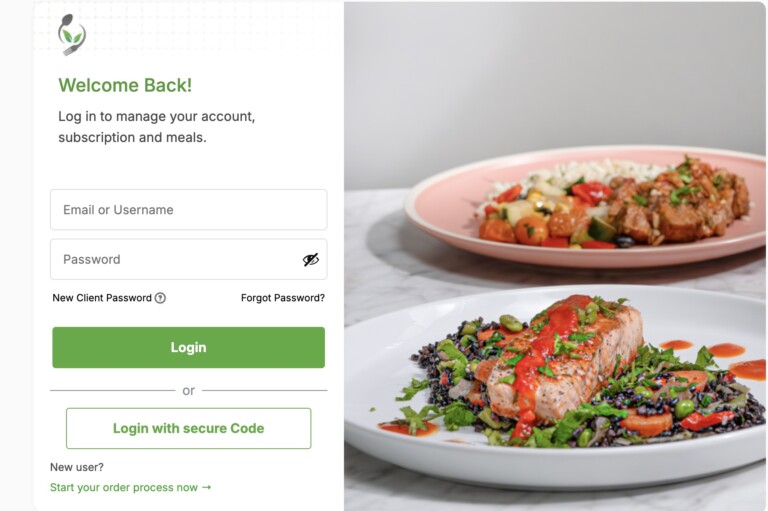
Create an account with Meal Prep Sunday to start and place an order.

New customers begin by clicking “Start Your Order Process Now” on the Meal Prep Sunday website.
(Start your order here)


This launches the guided ordering flow. Customers select meals and enter preferences before creating an account, which comes at the end of the process. This approach lets users explore meal options, review macronutrients, and set subscription preferences without committing immediately.


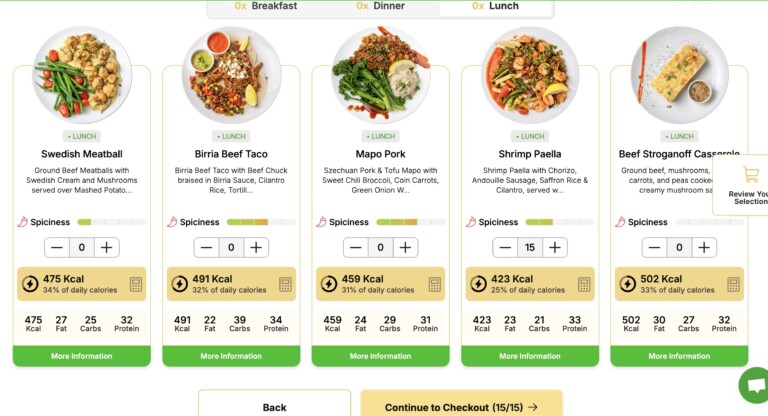
Each meal clearly lists calories and macronutrients. Nutritionists design the meals to provide consistent protein, carbs, and healthy fats, while chefs portion them precisely to match those goals. By the end of the flow, customers create an account to save meal choices, payment info, and delivery preferences for future weeks.

Step 2: Select Meals and Preferences

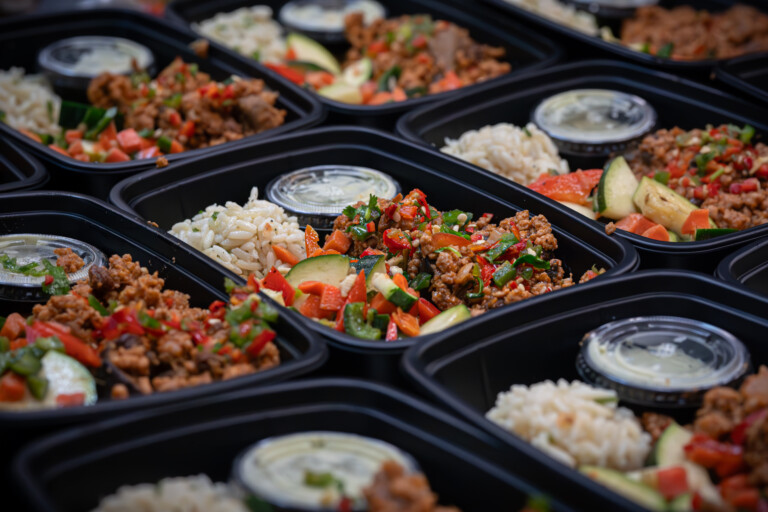
A wide selection of meals that rotate weekly when placing an order.

After starting the order, customers pick meals for the upcoming week. Meal Prep Sunday rotates the menu regularly to keep options fresh while maintaining calorie and macro consistency.


During this step, customers:

  • Choose meals for the week

  • Enter or confirm the delivery address

  • Add notes or dietary preferences

Timing matters. Meal selections should be finalized between Monday evening and Wednesday at 12:00 PM (noon). This ensures chefs and nutritionists have enough time to portion ingredients accurately and maintain meal quality.


If customers miss the cutoff, the system assigns meals automatically based on previous choices or preset preferences.

Step 3: Pick Your Delivery Date

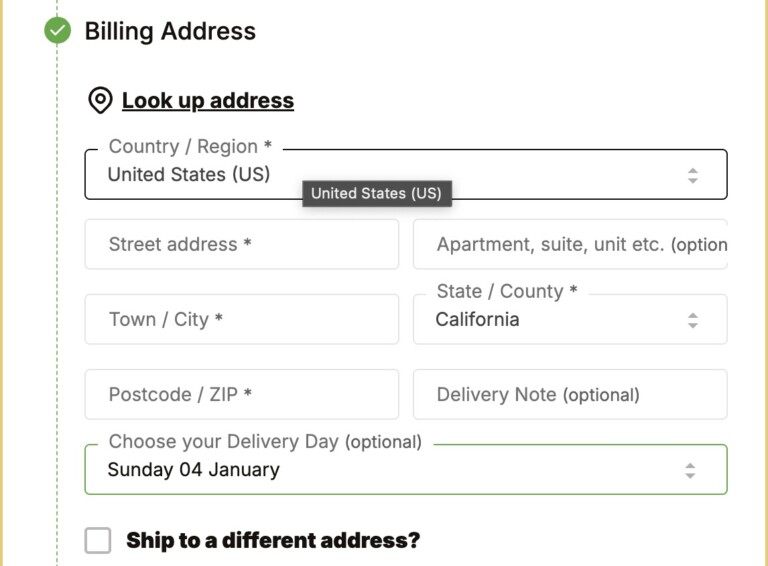
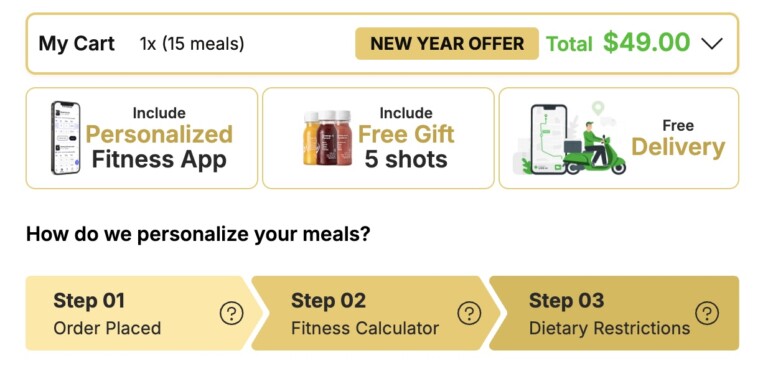
Enter address easily when placing an order and get free delivery.

Following the selection of meals, customers choose a delivery date. Most orders arrive on Sunday or Monday, depending on location.


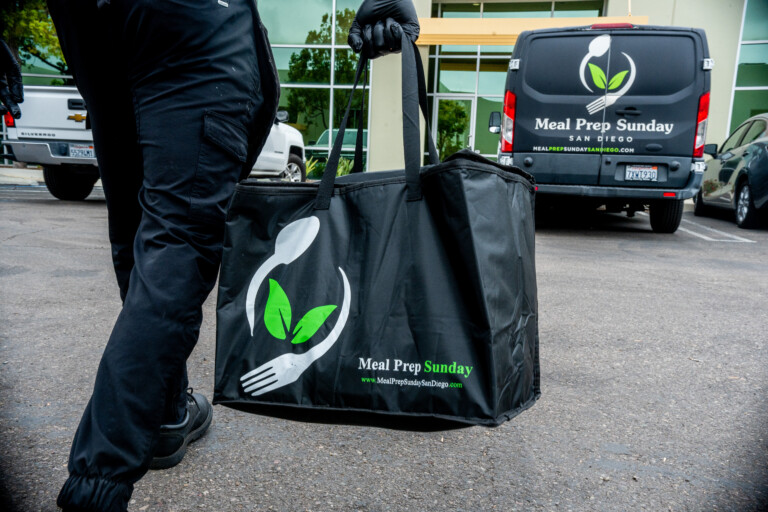
Meal Prep Sunday delivers fresh meals in insulated thermal bags that preserve temperature and food safety. Even if no one is home, meals stay fresh and ready to store.
(Learn more about delivery here)

Step 4: Complete Checkout

A easy and user-friendly checkout selection when placing an order.

Once meals and delivery details are set, customers enter payment info and confirm the order.


Meal Prep Sunday uses a weekly subscription model. After the first order, the system bills automatically each Wednesday at noon for the following week. Customers can adjust meals, pause the subscription, or update preferences before each cutoff.


At this stage, customers finish creating their account, saving login credentials and order history for easy future orders.

Step 5: Delivery Confirmation and Updates

Meal prep made simple and delivered after placing an order with Meal Prep Sunday.

After placing your order, you’ll receive notifications or text updates as delivery day approaches. These messages keep you informed about timing and arrival so you know exactly when to expect your meals.


Meals arrive fresh, sealed, and ready to store in the refrigerator—making healthy eating simple and consistent throughout the week.

Important Things to Know Before Ordering

Before placing your first order, keep these key points in mind:


  • Orders must be completed before the weekly cutoff (usually Wednesday at noon)

  • Meal selections should be confirmed before the deadline to avoid auto-selection

  • Free delivery is available in select Southern California areas

A Simple System Built for Consistency

Consistency and simplicity is key when placing an order with Meal Prep Sunday.

From starting your order to receiving weekly deliveries, Meal Prep Sunday’s system is designed to remove friction and simplify healthy eating. Once familiar with how to place an order, most customers find weekly meal planning takes only a few minutes.


For anyone looking to save time, eat consistently, and rely on chef-crafted meals delivered weekly, the process is intentionally straightforward—so the focus stays on nutrition, energy, and results rather than logistics.
(Get started here)

Hungry for More?